Hosted Checkout
Use Hosted Checkout to accept online payments with a SumUp-hosted payment page and minimal integration effort.
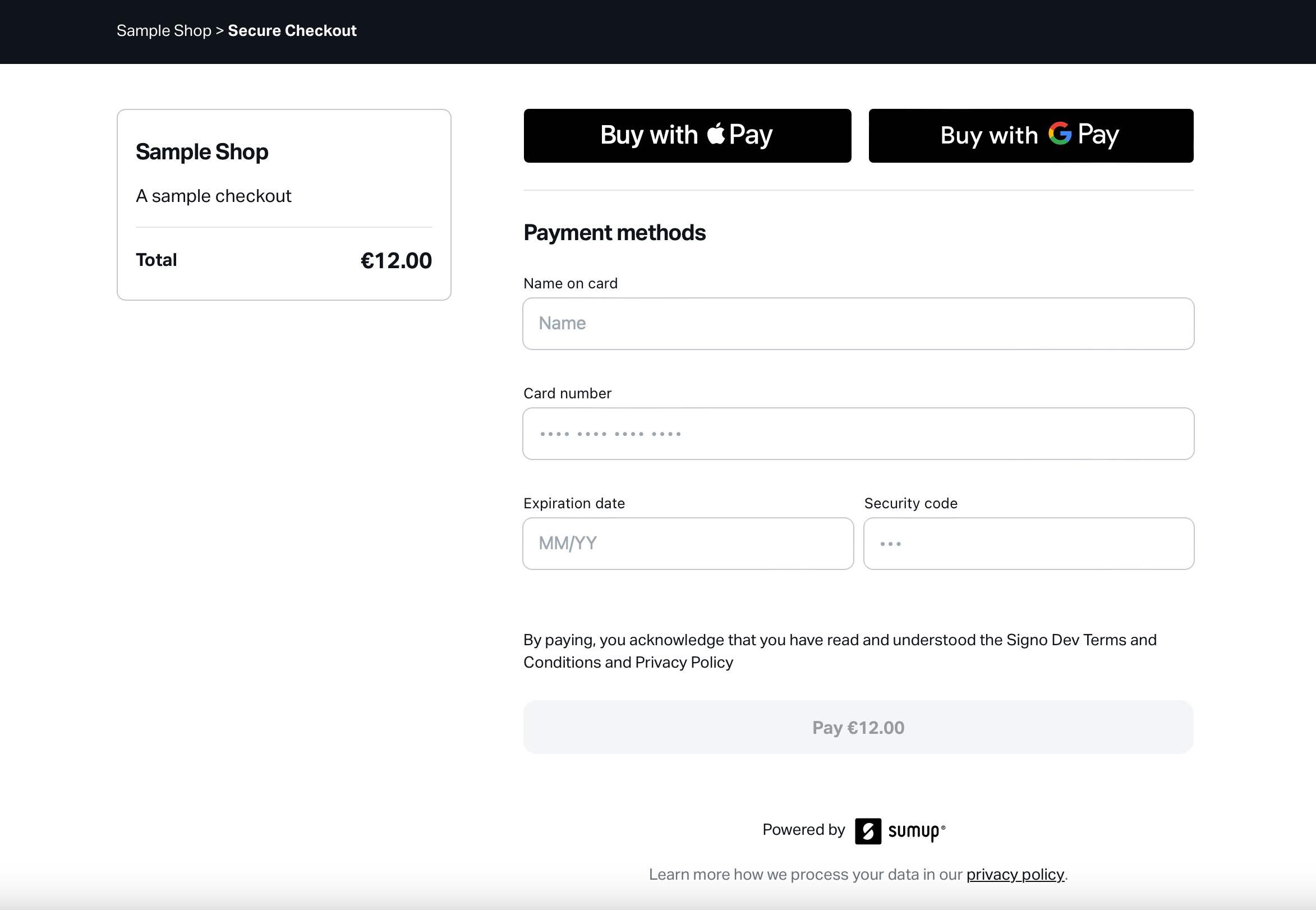
Hosted Checkout lets you accept online payments with a payment page hosted by SumUp. Your integration creates a checkout through the SumUp API, receives a hosted_checkout_url, and sends the customer to that page to complete the payment.
This is the lowest-effort way to launch an online checkout while keeping payment collection, status pages, and wallet support inside a SumUp-hosted flow.
Prerequisites
Section titled “Prerequisites”- Ability to create a checkout through the SumUp API.
- Authentication via API key or access token. See the Authorization Guide.
- A server-side integration to create the checkout and keep credentials secret.
How Hosted Checkout Works
Section titled “How Hosted Checkout Works”- Create a checkout and set
hosted_checkout.enabledtotrue. - Store the returned checkout
idandhosted_checkout_url. - Redirect the customer to
hosted_checkout_url, or share that URL in the flow you are building. - After the customer completes the payment, verify the final result through the API or with webhooks.
Create a Hosted Checkout
Section titled “Create a Hosted Checkout”Send a request to the Create a checkout endpoint with hosted_checkout.enabled set to true. If you want the success page to link back to your website, include redirect_url at the same time.
curl -X POST https://api.sumup.com/v0.1/checkouts \ -H "Content-Type: application/json" \ -H "Authorization: Bearer $SUMUP_API_KEY" \ -d '{ "amount": 12.00, "checkout_reference": "b50pr914-6k0e-3091-a592-890010285b3d", "currency": "EUR", "description": "A sample checkout", "merchant_code": "MCXXXXXX", "redirect_url": "https://example.com/orders/123/complete", "hosted_checkout": { "enabled": true } }'const checkout = await client.checkouts.create({ merchant_code: merchantCode, amount: 12.0, currency: "EUR", checkout_reference: "b50pr914-6k0e-3091-a592-890010285b3d", description: "A sample checkout", redirect_url: "https://example.com/orders/123/complete", hosted_checkout: { enabled: true },});var checkout = await client.Checkouts.CreateAsync(new CheckoutCreateRequest{ MerchantCode = merchantCode, Amount = 12.0f, Currency = Currency.Eur, CheckoutReference = "b50pr914-6k0e-3091-a592-890010285b3d", Description = "A sample checkout", RedirectUrl = "https://example.com/orders/123/complete", HostedCheckout = new CheckoutCreateRequestHostedCheckout { Enabled = true, },});var checkout = client.checkouts().createCheckout( CheckoutCreateRequest.builder() .merchantCode(merchantCode) .amount(12.0f) .currency(Currency.EUR) .checkoutReference("b50pr914-6k0e-3091-a592-890010285b3d") .description("A sample checkout") .redirectUrl("https://example.com/orders/123/complete") .hostedCheckout( CheckoutCreateRequestHostedCheckout.builder() .enabled(true) .build() ) .build());checkout, err := client.Checkouts.Create(ctx, sumup.CheckoutsCreateParams{ MerchantCode: merchantCode, Amount: 12.0, Currency: sumup.CurrencyEUR, CheckoutReference: "b50pr914-6k0e-3091-a592-890010285b3d", Description: "A sample checkout", RedirectURL: "https://example.com/orders/123/complete", HostedCheckout: &sumup.CheckoutHostedCheckout{ Enabled: true, },})checkout = client.checkouts.create( CreateCheckoutBody( merchant_code=merchant_code, amount=12.00, currency="EUR", checkout_reference="b50pr914-6k0e-3091-a592-890010285b3d", description="A sample checkout", redirect_url="https://example.com/orders/123/complete", hosted_checkout={"enabled": True}, ))let checkout = client.checkouts().create(Some(CheckoutCreateRequest { merchant_code, amount: 12., currency: Currency::EUR, checkout_reference: "b50pr914-6k0e-3091-a592-890010285b3d".into(), description: Some("A sample checkout".into()), redirect_url: Some("https://example.com/orders/123/complete".into()), hosted_checkout: Some(CheckoutCreateRequestHostedCheckout { enabled: true, }), return_url: None, customer_id: None, purpose: None, id: None, status: None, date: None, valid_until: None, transactions: None,})).await?;$checkout = $sumup->checkouts->create([ 'merchant_code' => $merchantCode, 'amount' => 12.00, 'currency' => 'EUR', 'checkout_reference' => 'b50pr914-6k0e-3091-a592-890010285b3d', 'description' => 'A sample checkout', 'redirect_url' => 'https://example.com/orders/123/complete', 'hosted_checkout' => [ 'enabled' => true, ],]);The response includes the hosted checkout configuration and the URL you send the customer to:
{ "amount": 12, "checkout_reference": "b50pr914-6k0e-3091-a592-890010285b3d", "checkout_type": "checkout", "currency": "EUR", "date": "2000-01-01T12:49:24.899+00:00", "description": "A sample checkout", "hosted_checkout": { "enabled": true }, "hosted_checkout_url": "https://checkout.sumup.com/pay/8f9316a3-cda9-42a9-9771-54d534315676", "id": "64553e20-3f0e-49e4-8af3-fd0eca86ce91", "merchant_code": "MCXXXXXX", "merchant_country": "DE", "merchant_name": "Sample Shop", "purpose": "CHECKOUT", "status": "PENDING", "transactions": []}Redirect Customers to the Hosted Page
Section titled “Redirect Customers to the Hosted Page”Use the hosted_checkout_url returned by the API as the payment page URL in your application.
- Redirect the customer there immediately after checkout creation.
- Or store the URL and present it later in your own flow, for example in an order confirmation page or email.
When the customer opens the Hosted Checkout page, SumUp handles the payment UI and payment confirmation flow.
The business branding shown on Hosted Checkout, such as your business logo and icon, can be configured from the Branding page(Opens in a new tab) in SumUp Dashboard. The business name and other customer-facing information can be configured from the Business profile page(Opens in a new tab).
Configure the Return Flow
Section titled “Configure the Return Flow”If you want the success page to include a button back to your website, set redirect_url when you create the checkout, as shown in the examples above.
If redirect_url is present, the success page shows a button that sends the customer back to your website.
Handle Payment Outcomes
Section titled “Handle Payment Outcomes”Hosted Checkout covers the customer-facing flow from payment page to final status page. Depending on the outcome, customers see different pages:
- Success page after a successful payment.
- Failure page when payment authorization or processing fails.
- Expired page when the checkout session is no longer valid.
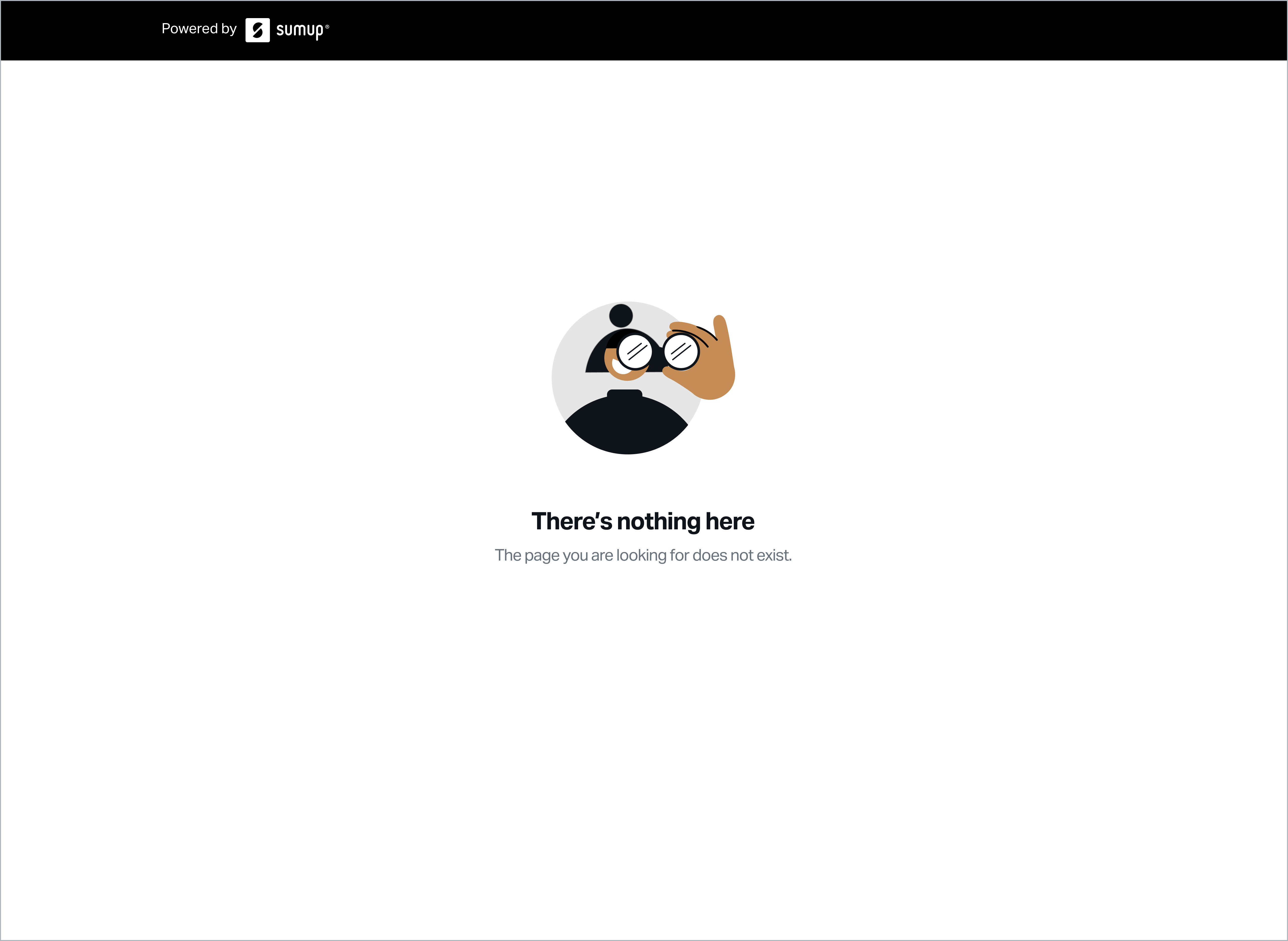
- Not found page when the URL does not match an active hosted checkout session.
Success
Section titled “Success”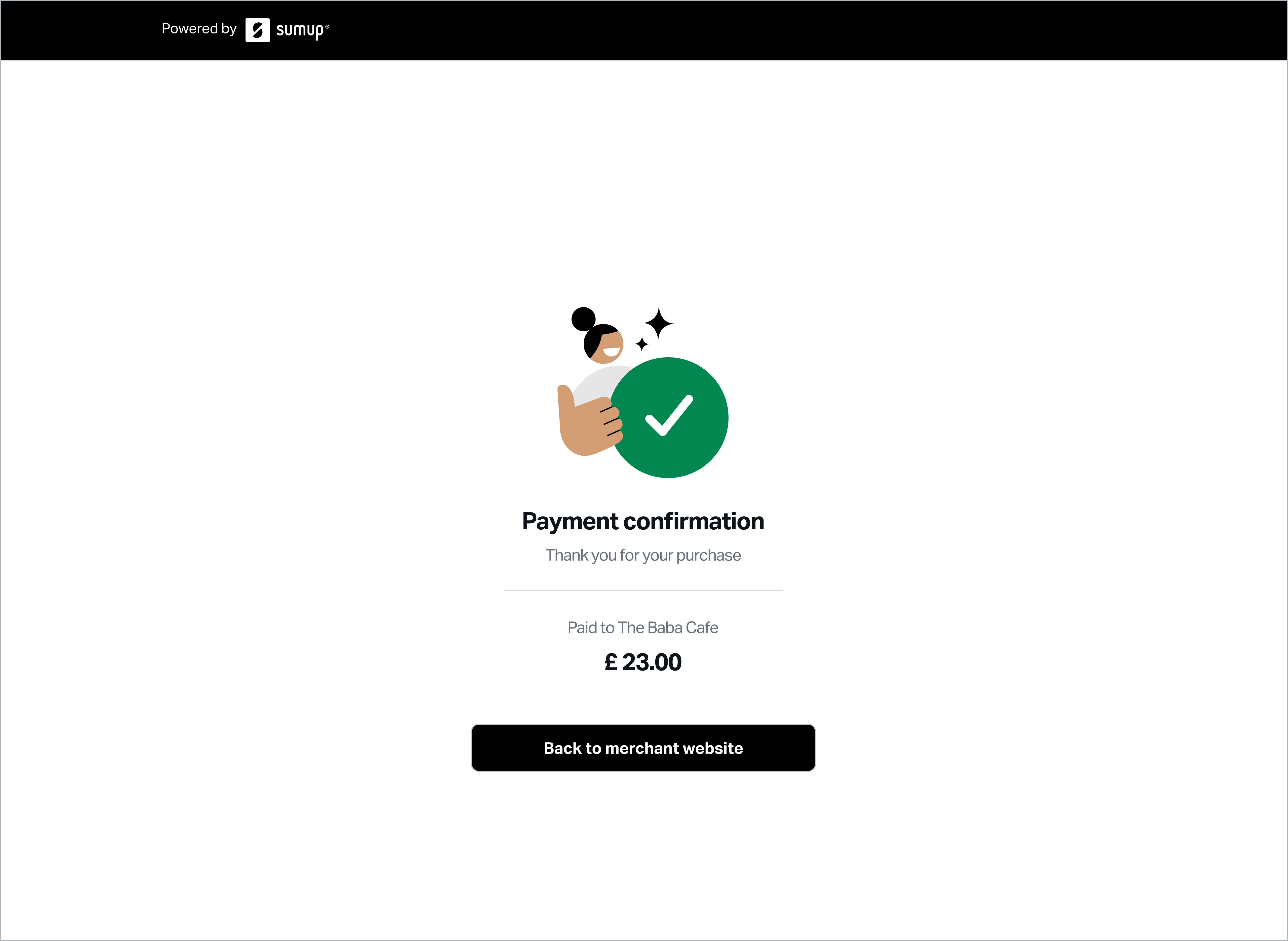
Failure
Section titled “Failure”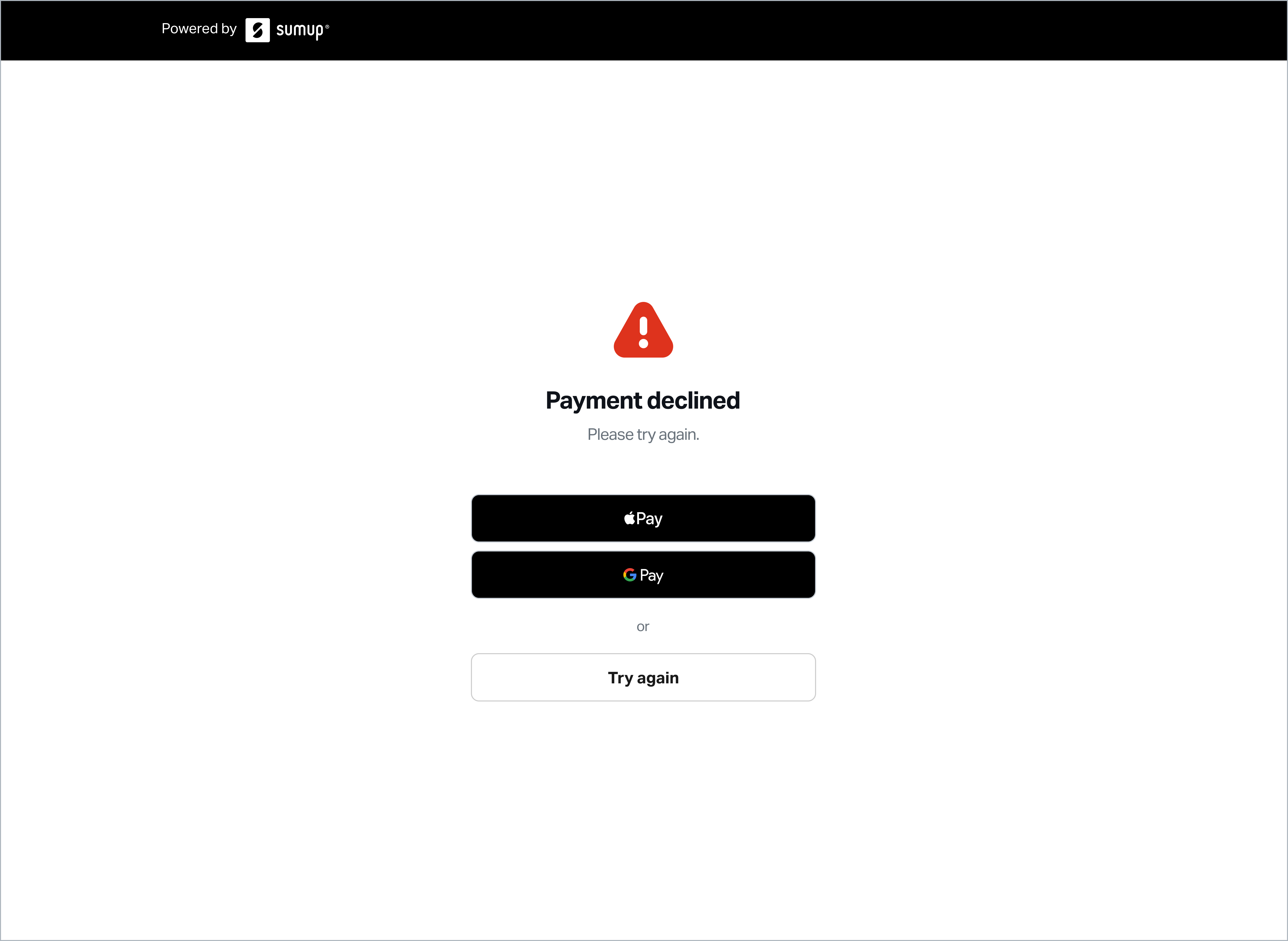
Expired Session
Section titled “Expired Session”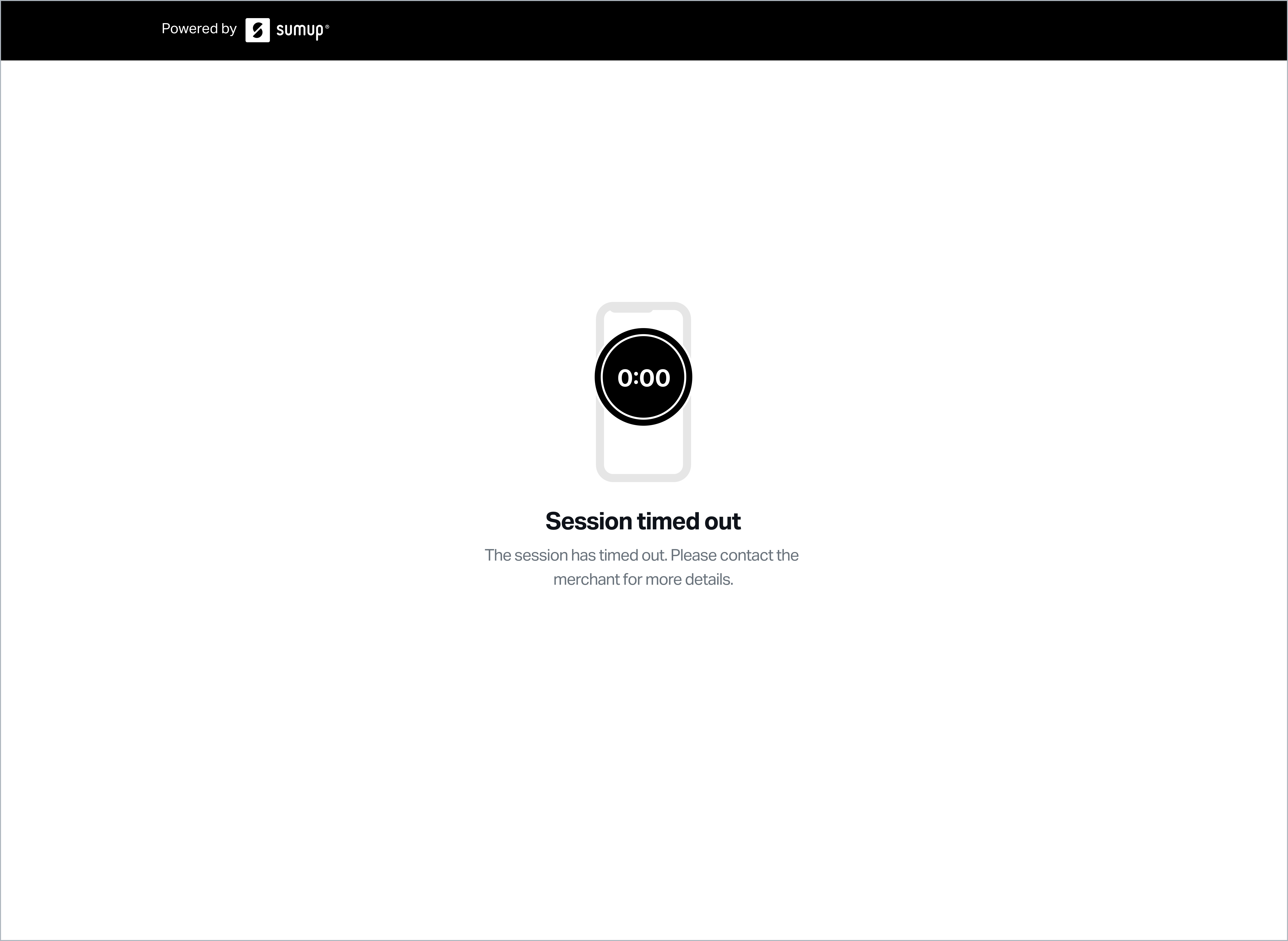
Not Found
Section titled “Not Found”